

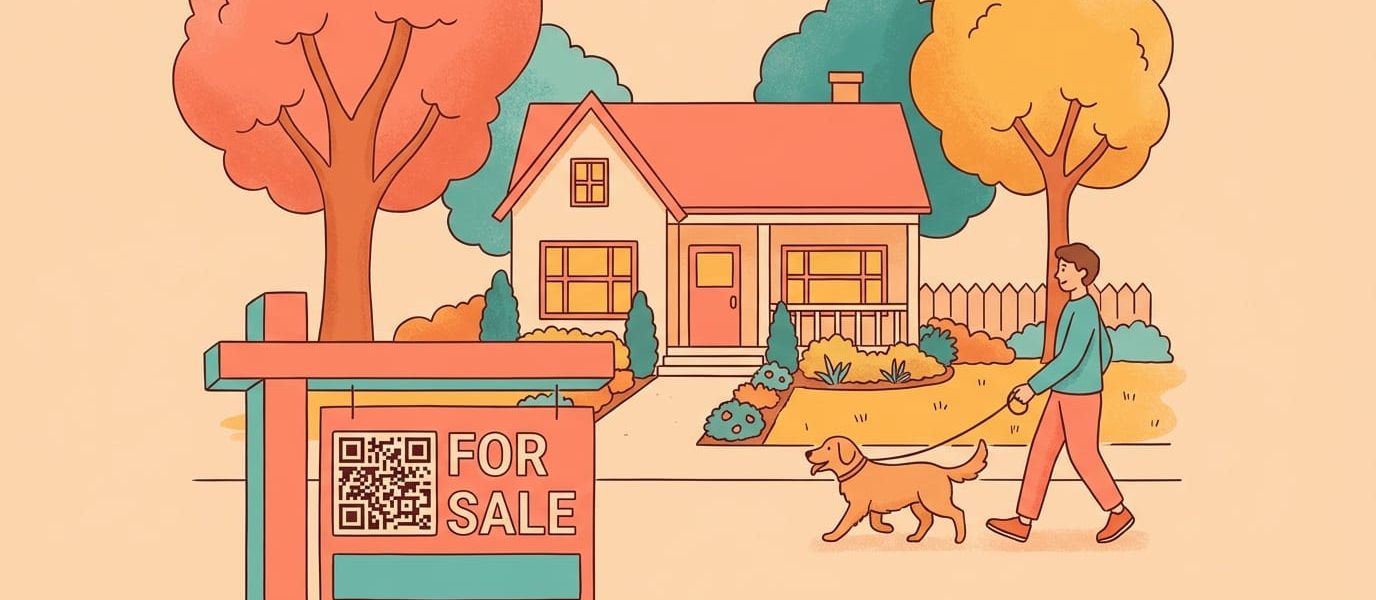
The way buyers find homes has fundamentally changed. According to the National Association of Realtors, 97% of home buyers use the internet during their search. They’re walking past your yard sign, pulling out their phone, and expecting instant access to photos, pricing, and virtual tours.
A QR code bridges that gap. It turns every physical touchpoint—signs, flyers, business cards, open house materials—into a direct line to your digital content. But most agents implement QR codes poorly, linking to generic homepages or using codes that can’t be tracked.
This guide covers how to use QR codes strategically across your real estate marketing, what separates effective codes from wasted effort, and the mistakes that cost agents leads every day.
Why QR Codes Work for Real Estate Marketing
Real estate is local, visual, and time-sensitive. QR codes fit perfectly because they solve three problems agents face constantly:
The information gap. A buyer drives through a neighborhood and sees your sign. They want to know the price, square footage, and whether the kitchen has been updated. Without a QR code, they have to remember your name, find your website later, and hope they can locate the right listing. Most won’t bother. With a QR code, they scan and get the information in seconds while they’re still standing in front of the house.
The tracking problem. Traditional marketing—print ads, flyers, direct mail—is notoriously hard to measure. You spend money and hope it works. QR codes with built-in analytics change this. You can see exactly how many people scanned the code on your yard sign, which flyer distribution generated the most interest, and what times of day buyers are most active. This data helps you double down on what works and cut what doesn’t.
The lead capture opportunity. Every scan is a potential lead. When you link your QR code to a landing page with a form—”Get notified when the price drops” or “Schedule a private showing”—you turn casual interest into contact information. That curious neighbor walking their dog becomes someone in your CRM.
The agents seeing the best results treat QR codes as part of a system, not a gimmick. They connect codes to dedicated landing pages, track performance across channels, and use the data to refine their marketing over time.
Create Dynamic QR codes — Free, Fast, and Fully Branded
Start for free — no credit card required.
Create Your Free Account NowHow to Use QR Codes Across Your Real Estate Marketing
QR codes can enhance nearly every piece of your marketing. The key is matching the code’s destination to what the person scanning actually wants in that moment.
Yard Signs and Property Signage
This is the most common use case—and the most commonly botched. A QR code on a yard sign should link to a dedicated page for that specific property, not your homepage or general listings page.
The ideal landing page includes:
- High-quality photos (the full gallery, not just the MLS thumbnail)
- Key details: price, bedrooms, bathrooms, square footage, lot size
- A virtual tour or video walkthrough if available
- A clear call-to-action: schedule a showing, request more info, or get notified about price changes
For maximum scannability, your QR code should be at least 3-4 inches on a standard yard sign. Test it from the sidewalk before printing—if you have to walk onto the lawn to scan it, it’s too small.
One advantage of using dynamic QR codes is flexibility. When the property sells, you can redirect the code to your other active listings or a “just sold” page that captures leads for similar homes. No need to replace the sign.
Print Flyers and Brochures
Paper flyers have a shelf life problem. You print 500 flyers with the listing price, and a week later the seller agrees to a reduction. With a QR code linking to your digital listing, the flyer stays current because the destination page updates automatically.
For property flyers, link to:
- The full MLS listing with real-time updates
- A video walkthrough (especially effective for vacant properties)
- Your scheduling tool for showings (Calendly, ShowingTime, etc.)
For general marketing flyers—”Thinking of selling?” door knockers or neighborhood farming pieces—link to a home valuation tool or market report landing page. This turns a piece of paper most people throw away into a lead generation tool.
Include a short call-to-action next to the code: “Scan for photos and pricing” or “Scan for your free home value estimate.” People are more likely to scan when they know what they’ll get.
Business Cards
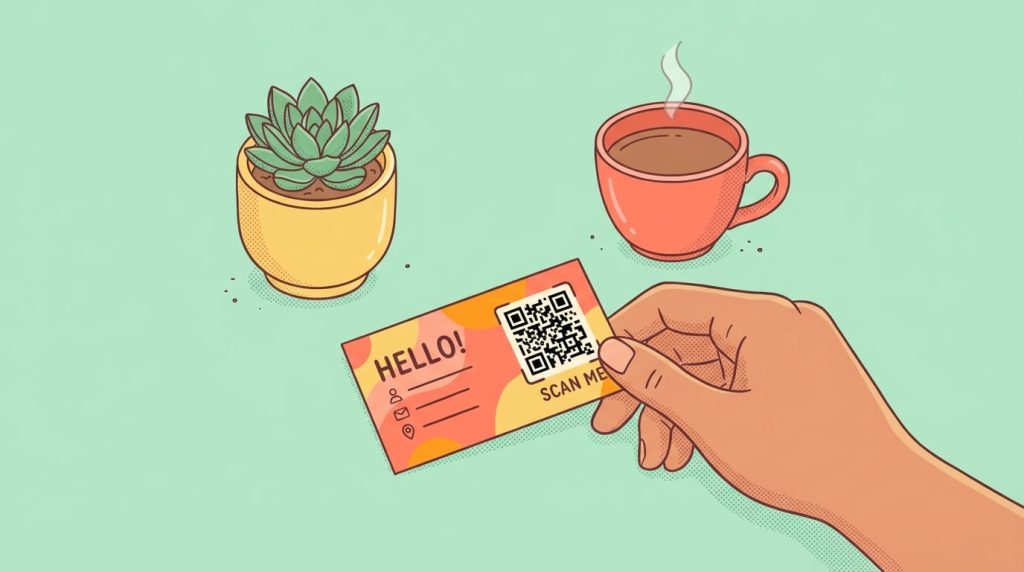
A business card has limited space. A QR code expands it infinitely.
Options for what to link:
- vCard download — One scan adds your full contact info to their phone
- Video introduction — A 60-second “why work with me” video builds rapport before you ever meet
- Your current listings — Especially useful at networking events or open houses
- Scheduling link — Let them book a call directly without the back-and-forth
The best approach depends on context. For buyer consultations, link to your listings. For seller prospecting, link to your track record and testimonials. Some agents use QR codes that can be updated, so they can change the destination based on their current priorities without reprinting cards.
Open Houses
The paper sign-in sheet is outdated. Illegible handwriting, incomplete information, and the hassle of manually entering leads into your CRM all cost you time and opportunities.
A QR code displayed at the entrance—on a tablet stand, printed sign, or even the front door—links to a digital sign-in form. Benefits:
- Clean, complete data every time
- Leads go directly into your CRM or email list
- You can add checkboxes for “I’m working with an agent” and “I’d like to receive listing alerts”
- Visitors can sign in faster, reducing the bottleneck at the door
Place a second code in the kitchen or living room linking to the property details page. This lets visitors reference the specs as they walk through rather than trying to remember if the listing said 2,100 or 2,400 square feet.
Direct Mail
Most direct mail gets tossed. A QR code can save it by offering something valuable enough to scan.
For “just sold” postcards:
- “Curious what your home is worth? Scan for an instant estimate.”
- Link to a home valuation landing page that captures their address and email
For market update mailers:
- “Scan for the full neighborhood report.”
- Link to a detailed PDF or landing page with recent sales, price trends, and your analysis
For geographic farming:
- “See all active listings in [neighborhood name].”
- Link to a filtered search showing current inventory
The key is offering value, not just convenience. “Scan to visit my website” won’t compel anyone. “Scan to see what your neighbor’s house sold for” will.
What Makes a Real Estate QR Code Actually Work
Not all QR codes perform equally. The difference between a code that generates leads and one that gets ignored comes down to a few technical and strategic factors.
Keep the URL Short
QR codes encode data as black and white modules. More data means more modules, which means a more complex (and harder to scan) code. A URL like:
https://www.yourbrokerage.com/agents/jane-smith/listings/123-main-street-anytown?utm_source=yard_sign&utm_medium=qr creates a dense code that may fail on older phones or in poor lighting.
URL shorteners solve this. A link like:
qrch.am/main-st or yourdomain.com/main-stencodes with fewer modules and scans reliably at smaller sizes. Most QR code platforms include built-in short links, or you can use a dedicated shortener.
Use Dynamic Codes, Not Static
Static QR codes encode the destination URL directly. Once printed, they can’t be changed. If you need to update the link—new landing page, property sold, typo in the URL—you have to reprint everything.
Dynamic codes encode a short redirect URL that you control. The printed code stays the same, but you can change where it points anytime. This is essential for real estate where listings come and go, prices change, and marketing materials have long print runs.
Dynamic codes also enable tracking. You can see scan counts, locations, devices, and times—data that’s invisible with static codes.
Optimize for Mobile
Every QR code scan happens on a mobile device. If your landing page isn’t mobile-optimized, you’ve wasted the scan.
Check that your destination pages:
- Load in under 3 seconds on cellular connections
- Display properly without horizontal scrolling
- Have tap-friendly buttons (not tiny links)
- Don’t require pinch-to-zoom to read text
If you’re linking to your MLS page and it renders poorly on mobile, consider creating a simple landing page specifically for QR traffic instead.
Include a Call-to-Action
A QR code without context looks like a random barcode. Always include text that tells people what they’ll get:
- “Scan for photos”
- “Scan to schedule a showing”
- “Scan for your home value estimate”
This small addition can double or triple your scan rates. People need a reason to pull out their phone.
Track Everything
The agents who get the most from QR codes treat them as measurable marketing channels, not just convenient links. Set up unique codes for each marketing piece so you can compare performance:
- Which generates more scans: the yard sign or the flyer box?
- What time of day do most people scan your open house codes?
- Which neighborhoods respond best to your direct mail?
This data compounds over time. After a few months of tracking, you’ll know exactly where to focus your marketing budget.

Ready to create your own QR codes?
Start for free — no credit card required.
Create Your Free Account NowCommon Mistakes That Waste Your QR Code Efforts
Even agents who embrace QR codes often undermine their own results with avoidable errors.
Linking to your homepage. A buyer scans the code on a listing sign because they want information about that house. Sending them to your general website—where they have to navigate to find the listing—loses most of them. Always link to a specific, relevant destination.
Making the code too small. A 1-inch QR code might work for a business card viewed at arm’s length, but it won’t scan from the sidewalk. Size your code for the expected scanning distance. Yard signs need 3-4 inches minimum. Window displays in commercial properties might need 8-10 inches.
No error correction. QR codes have built-in error correction that allows them to scan even when partially obscured or damaged. Most generators default to low or medium error correction. For outdoor signage that may face weather, dirt, or damage, use high error correction—the code will be slightly larger but much more reliable.
Forgetting to test. Always scan your code from multiple phones before printing. Test in different lighting conditions. Test from the distance someone will actually scan. A code that works perfectly on your desk might fail on a sunny lawn.
Using static codes for long-term materials. If the material will be in circulation for more than a week, use a dynamic code. Listings change, pages move, promotions end. Getting stuck with 2,000 flyers pointing to a dead link is an expensive lesson.
No tracking. If you can’t measure it, you can’t improve it. Even if you’re just starting out, use a platform that provides basic analytics. You’ll quickly learn which placements work and which don’t.
Real Estate QR Codes FAQs
Always link to something specific and valuable. For property marketing, link to a dedicated page for that listing with photos, details, and a lead capture form. For prospecting, link to a home valuation tool, market report, or your scheduling page. Avoid linking to generic homepages where visitors have to hunt for what they want.
Yes, if you use a dynamic QR code. Dynamic codes redirect through a short URL that you control, so you can update the destination anytime without reprinting. This is essential for real estate where listings come and go frequently.
It depends on scanning distance. For business cards (arm’s length), 0.75-1 inch works. For flyers and brochures (1-2 feet), use 1-1.5 inches. For yard signs (10-15 feet), use 3-4 inches minimum. For window displays (20+ feet), go 6 inches or larger. When in doubt, bigger is better.
Use a QR code platform with built-in analytics. You’ll be able to see total scans, unique scans, scan times, locations, and device types. Create separate codes for each marketing piece (one for yard signs, one for flyers, etc.) to compare performance across channels.
The code itself isn’t affected by weather, but glare and water droplets can interfere with scanning. Use matte lamination on outdoor signage to reduce glare. Position signs to minimize direct sunlight on the code. High error correction helps codes scan even when partially obscured.
Yes. The effort to create a code is minimal, and even a few scans per listing represent high-intent leads—people actively seeking information about that property. Over dozens of listings, those scans add up to a significant lead source.
The agents winning listings in today’s market aren’t working harder—they’re making every marketing touchpoint measurable and actionable. A QR code on a yard sign captures leads at 2 AM when you’re asleep. A tracked code on your direct mail shows exactly which neighborhoods respond to your farming efforts.
The key is treating QR codes as part of a system, not a one-off tactic. Use dynamic codes so you can adapt. Track everything so you can improve. And always give people a reason to scan.
Ready to add QR codes to your real estate marketing?