
Dynamic QR Codes and Short Links With Free Analytics Built In
Create branded links and QR codes, see exactly who's engaging, and stop juggling five different tools to run one campaign.
Create Your Free AccountShort Links
Branded Short Links That Do More Than Redirect
Every short link you create is a smart marketing asset. Built-in tracking captures who clicked, from where, and on what device—while access controls and targeting let you decide exactly who sees your content.
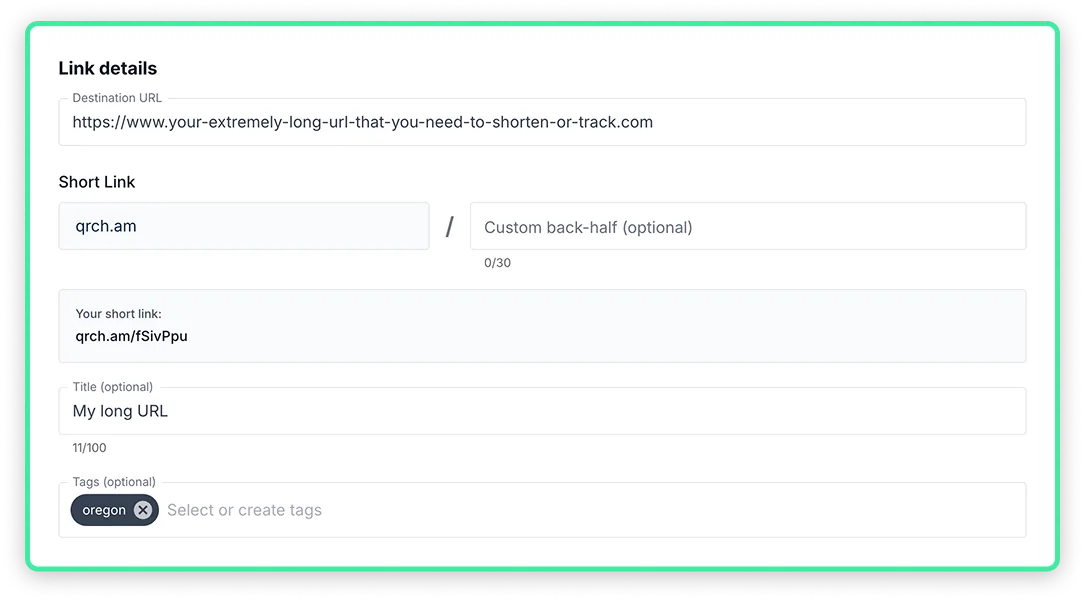
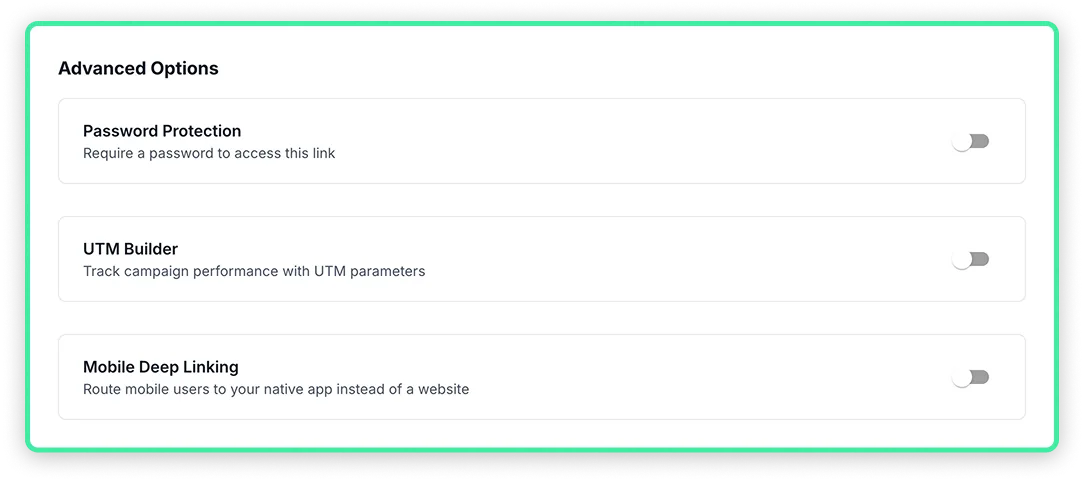
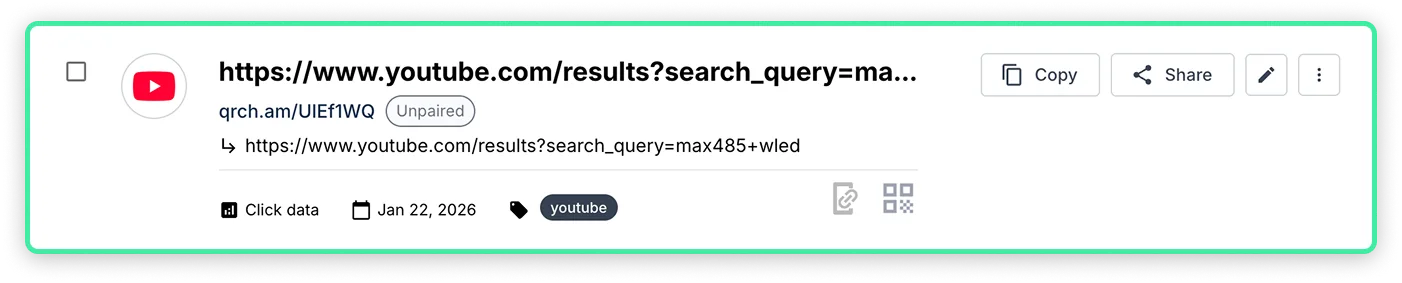
Custom Back-Halves
Replace random characters with meaningful slugs like qrcham.com/summer-sale or qrcham.com/2024-report. Branded back-halves improve click-through rates by making links recognizable and trustworthy before anyone clicks.
Branded Domains
Connect your own domain or subdomain so every short link comes from your brand—not ours. Instead of qrcham.com/sale, share links.yourbrand.com/sale. Your audience sees a URL they already trust, and your click-through rates reflect it.
Password Protection
Add a password gate to any short link. Visitors see a branded prompt requiring a password before proceeding to the destination. Control access to premium content or internal documents without building a complex auth system.
Expiration Controls
Set links to automatically deactivate by a specific date or after reaching a click threshold. Expired links redirect to a customizable fallback page instead of showing an error—so your audience always lands somewhere useful.
Mobile Deep Linking
Route visitors to different destinations based on their device. Send mobile users to your App Store listing, desktop users to your website, and tablet users to your responsive portal—all from a single link, with no JavaScript redirects required on your end.
Smart Redirects
Choose the redirect method that fits your use case. 301 permanent redirects pass SEO value for link building, while 302 temporary redirects keep your options open—so you can change a link's destination anytime without losing equity.
UTM Parameters
Append UTM source, medium, campaign, term, and content parameters to any link at creation time. Track exactly which channels and creatives drive conversions in Google Analytics, Mixpanel, or any platform that reads UTM tags.
QR Codes
Custom QR Code Generator That Matches Your Brand
Go beyond the black-and-white square. Every QR code you create is fully customizable and dynamically linked—point them somewhere new anytime, no reprinting needed.
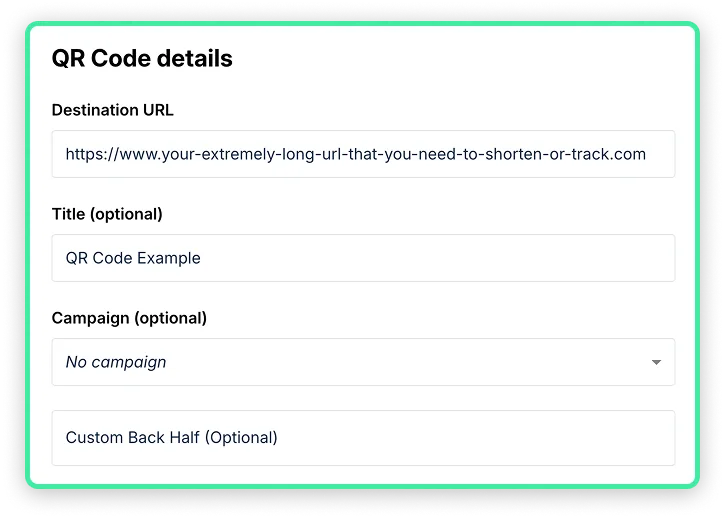
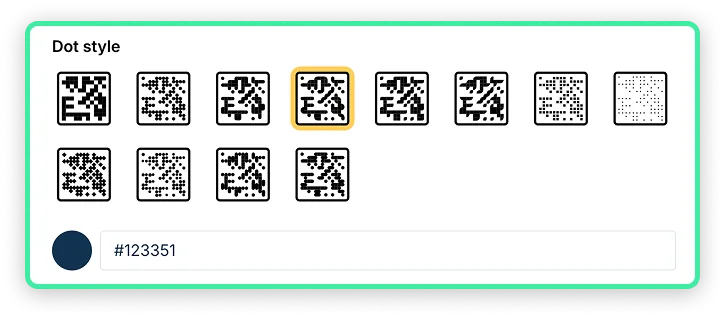
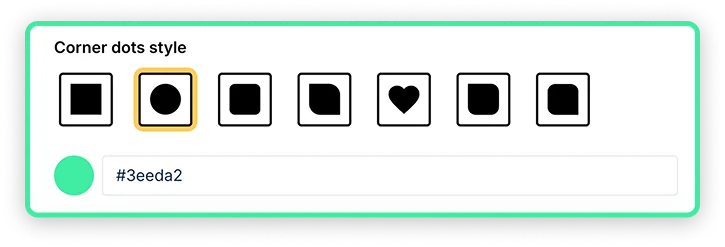
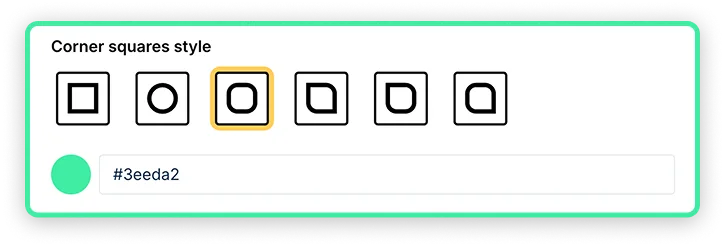
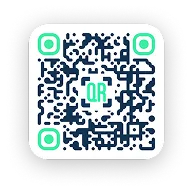
Colors, Shapes & Patterns
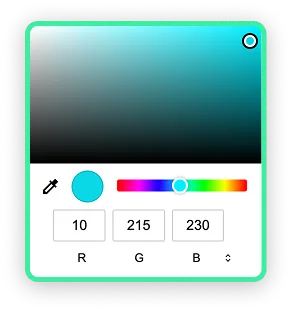
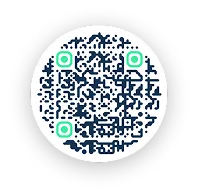
Customize your QR code with different colors, shapes, and patterns. Style it to match your brand or your vibe.
Logo Placement
Upload your logo in PNG, SVG, or JPEG and position it within the QR code. Adjust size and padding while the error correction level automatically compensates to maintain reliable scanning—even with your logo overlaying the pattern.
Dynamic QR Codes
Every QR code is dynamic by default. Change where it points anytime without reprinting, so a printed menu or promo updates instantly on the code already out in the world. No ads, no watermarks, and your codes never expire unless you set them to.
Print-Ready Export
Download in PNG (up to 4096×4096px), SVG (infinitely scalable), JPEG, or WebP. SVG exports are ideal for print materials at any size—billboards to business cards—without quality loss. PNG works for digital and social. See how restaurants use print-ready QR codes.
Analytics
11 Analytics Modules. One Dashboard.
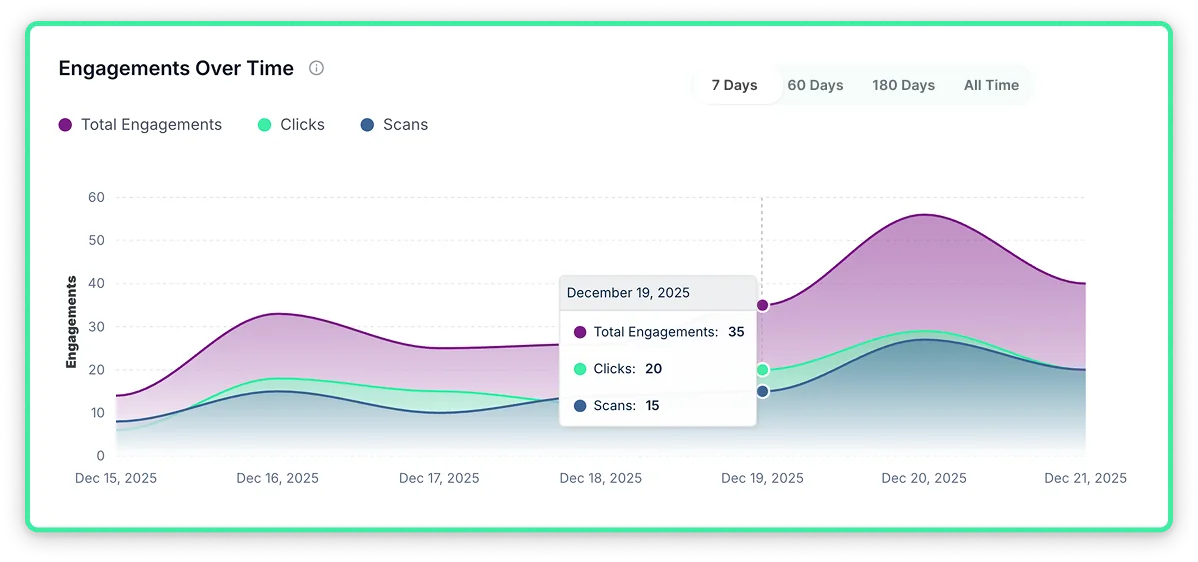
Your Insights Dashboard is a fully customizable analytics command center. Show, hide, and reorder modules to build the view that matters to you—then filter everything by timeframe with a single click. Learn more about our free analytics.
Engagement Heatmap
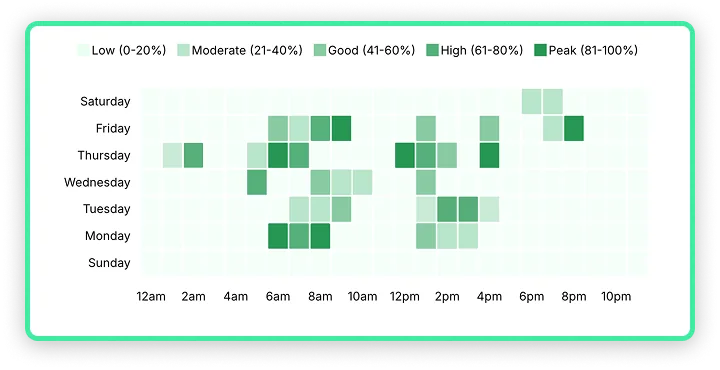
A day-of-week by hour-of-day heatmap shows exactly when your audience is most active. Filter by clicks, scans, or combined engagement to find the optimal windows for sharing—rendered in your local timezone.
Link & QR Rankings
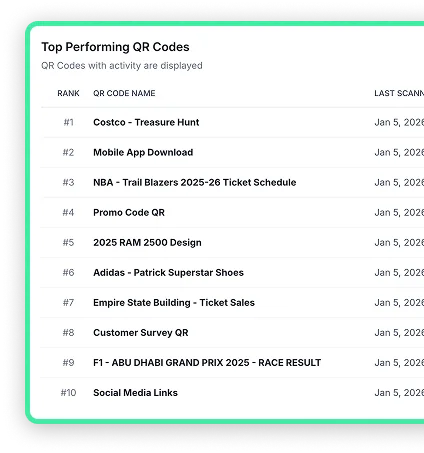
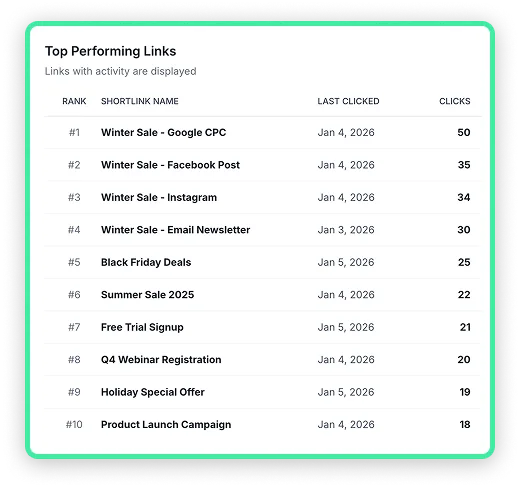
See your top-performing short links and QR codes ranked by engagement in dedicated leaderboard tables. Track last-clicked dates, compare performance across your portfolio, and quickly identify what's driving results.
Audience Breakdown
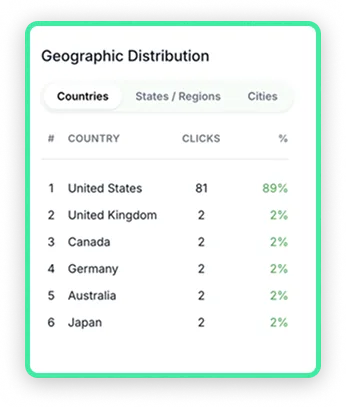
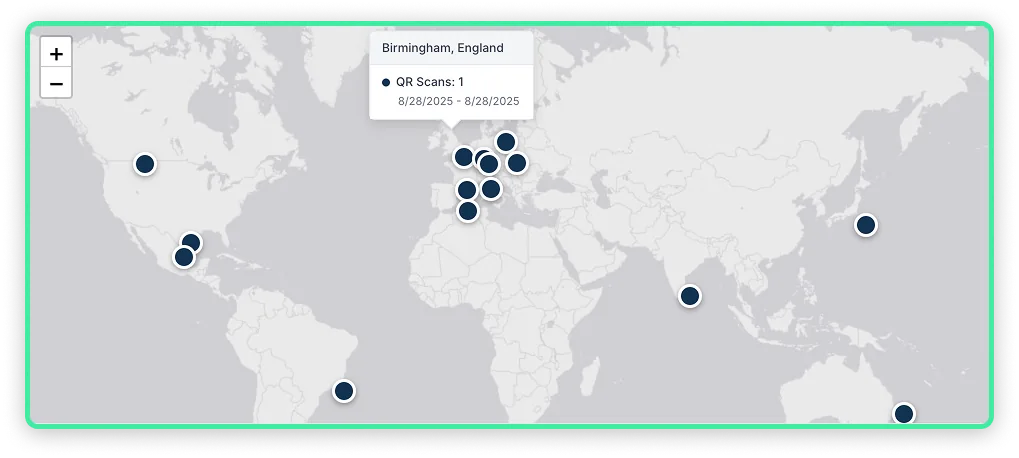
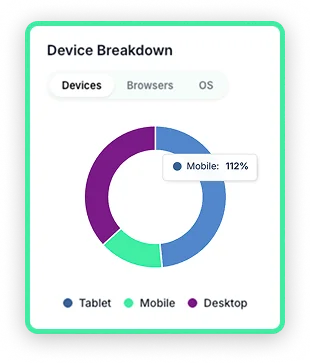
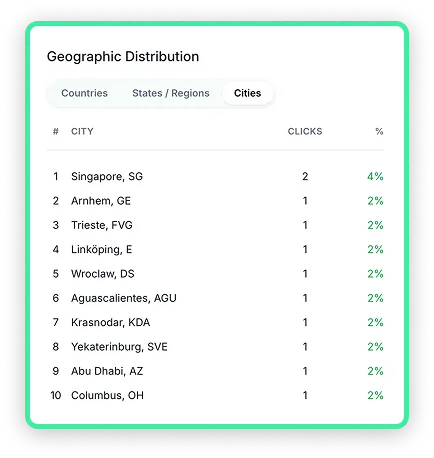
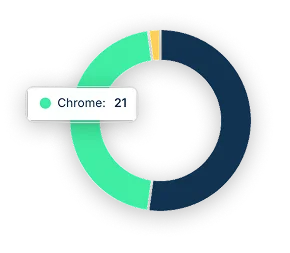
Interactive donut charts break your audience into layers: device type, browser, OS, and referrer source—each with toggleable views. Geographic data drills from country to state to city, with bot traffic automatically filtered out.
Smart Recommendations
The Performance Overview module reads your traffic mix—device split and referrer channels—and surfaces clear next steps, like optimizing for mobile or doubling down on a high-performing social channel.
Downloadable Reports
Export a clean CSV or a formatted PDF report—charts included—for any short link, QR code, campaign, or UTM set. Each report covers your plan's full data-history window, ready to hand a client or drop into a deck. Available on every paid plan.
11 Modules
fully customizable dashboard
15+ Fields
captured per engagement
City Precision
MaxMind GeoIP2 accuracy
Bot Filtering
humans only, noise excluded
Campaigns
UTM Campaign Tracking, Built In.
Stop stitching together data from five different tools. Manage UTM parameters, compare link variants, and track the full customer journey from click to conversion—all from one dashboard.

UTM Preset Manager
Save reusable UTM templates for your most common tracking setups. Apply a preset with one click instead of manually typing source, medium, and campaign every time you create a link. Standardize naming conventions across your team.
Compare Link Performance
Create a separate link for each CTA, offer, or channel, then compare their clicks and engagement side by side in your campaign analytics—so you can see what resonates and put your effort behind the winners.
Channel Performance
Tag your links by channel—email, social, paid ads, print, or QR—then see which sources and mediums drive the most clicks and scans, so you know exactly where to invest.
Campaign Dashboard
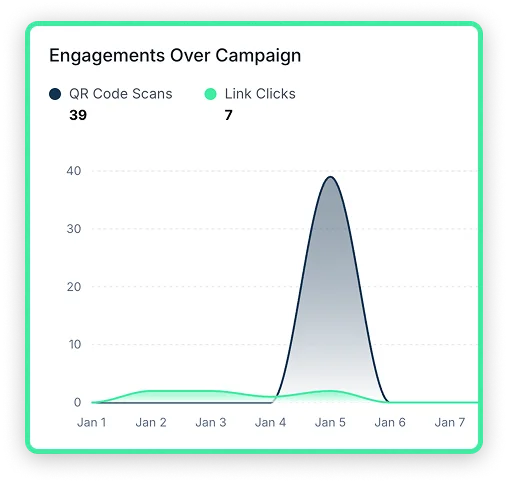
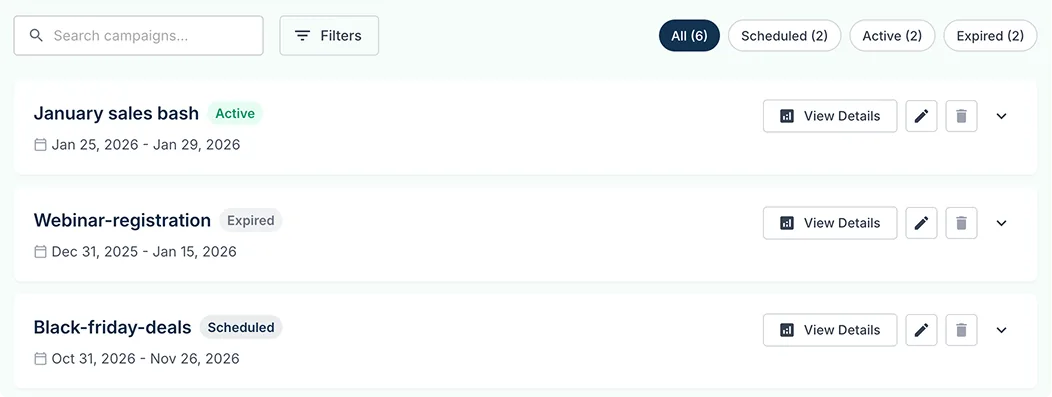
View aggregated metrics for every campaign at a glance. See total engagements, unique visitors, top-performing links, and geographic breakdown—all in a single, unified view.
Organize
Manage All Your Short Links in One Dashboard.
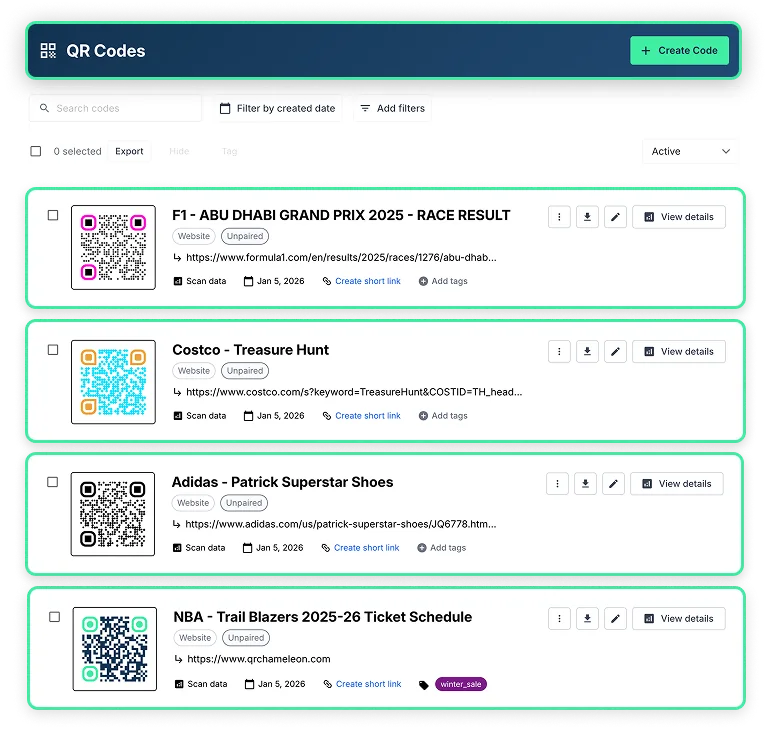
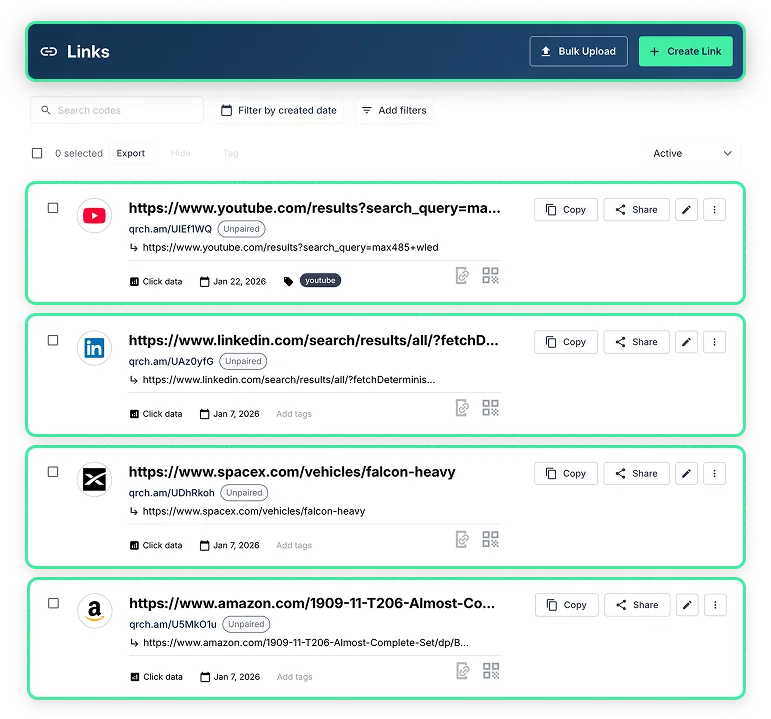
A few dozen links are easy to manage. A few hundred? You need real tools. Search, filter, tag, and bulk-edit your entire library without the clunkiness of spreadsheets.
Instant Search
Find any link or QR code by title, destination URL, tags, or campaign name. Results appear as you type—no waiting, no pagination. Works across your entire library regardless of size.
Smart Filters
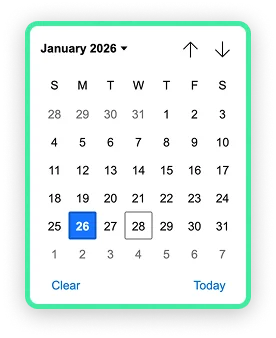
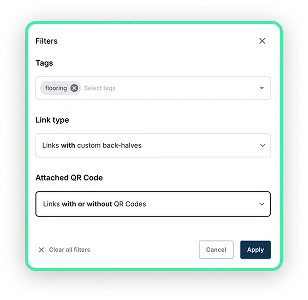
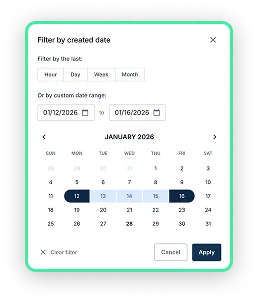
Slice your data by creation date, status (active, expired, archived), click performance, or custom tags. Stack multiple filters together to narrow down exactly what you're looking for.
Tag Management
Create custom tags (e.g., "Q1 Campaign," "Social," "Print") and apply them to any link or QR code. Use tags as filter criteria to instantly group related assets across different campaigns.
Bulk Operations
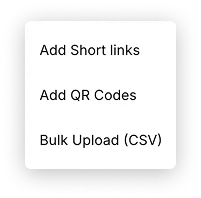
Select multiple links or QR codes and apply changes, archive, or export them all at once. When a campaign ends or a project wraps up, clean up in seconds instead of clicking through one asset at a time.
Why QR Chameleon
One Login for All Your QR Codes and Short Links.
Other tools give you a link shortener or a QR generator. QR Chameleon gives you both—plus the analytics to know what's working and the campaigns to prove it.
Last updated October 2026