

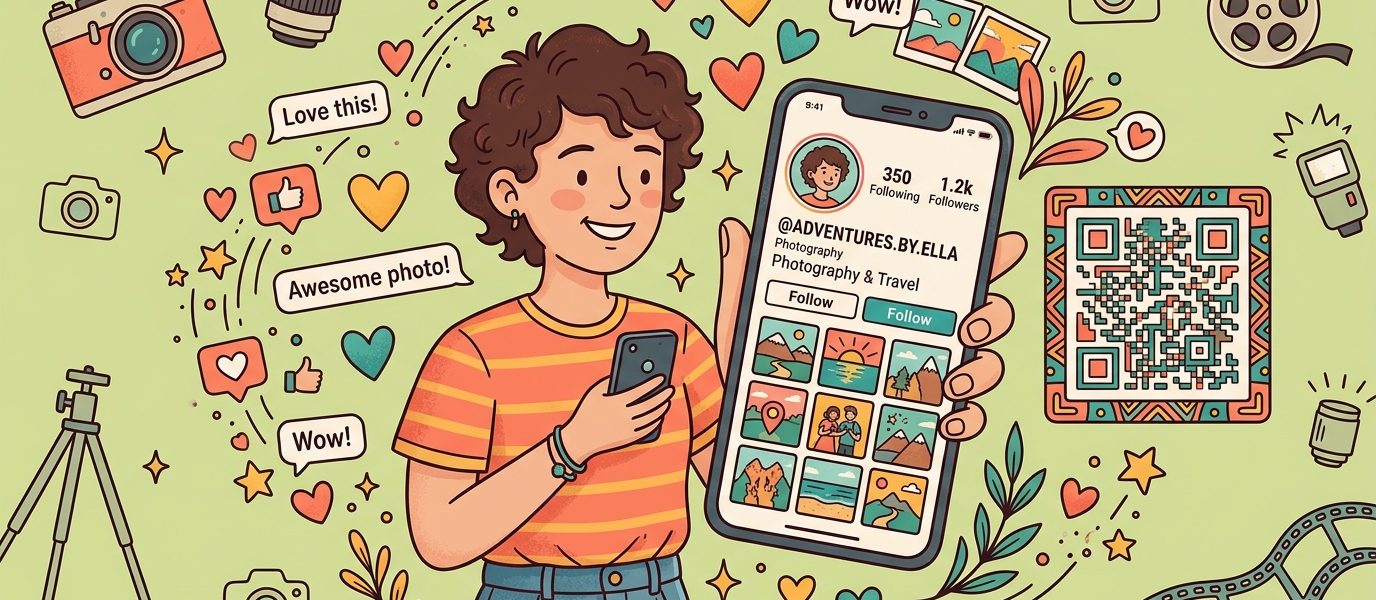
A QR code for Instagram turns “follow me” from a chore into a one-second scan. Instead of spelling out your username, hoping they search for the right account, and watching them accidentally follow @your_name_2017 instead of @your.name — a QR code takes them directly to your profile. Scan, tap follow, done.
Of course, Instagram has a built-in QR code feature, but it comes with limitations that matter if you’re using it for business, events, or print materials. This guide covers both options — Instagram’s native QR code and custom QR codes you create yourself — so you can pick the right approach for your situation.
Instagram’s Built-In QR Code
First, the free option. Instagram replaced its old Nametag feature with a built-in QR code in 2020. Every Instagram account has one, and it’s free to use.
How to Find It
- Open the Instagram app
- Go to your profile (tap your photo in the bottom right)
- Tap the three lines (hamburger menu) in the top right
- Tap “QR code”
- Your QR code appears with your profile photo in the center
You can share it directly from the app or save it to your camera roll. When someone scans it with their phone camera or the Instagram app, your profile opens automatically.
Limitations of Instagram’s QR Code
Although Instagram’s built-in QR code works, it has some significant drawbacks for anyone using it beyond casual sharing:
- No scan tracking — you have no idea how many people scanned it, when, or where
- No design customization — you’re stuck with Instagram’s purple gradient design and your profile photo. No brand colors, no custom patterns
- Low resolution for print — the saved image is screen-quality, which can look blurry on printed materials larger than a couple inches
- Only links to your Instagram profile — can’t link to a specific post, Reel, or a landing page with multiple links
- Can’t update the destination — if you want the code to point somewhere else (like a link-in-bio page), you need a new code
For sharing your profile in a text or DM, Instagram’s built-in code is fine. For anything printed, branded, or business-related, a custom QR code is the better choice.
Why Create a Custom Instagram QR Code?
A custom QR code gives you everything Instagram’s built-in version doesn’t — plus a few things you might not have considered.
| Feature | Instagram’s QR Code | Custom QR Code |
|---|---|---|
| Scan tracking | None | Full analytics (scans, devices, locations) |
| Design | Instagram’s purple gradient | Your brand colors, patterns, logo |
| Print quality | Screen resolution | SVG (scales to any size) |
| Destination | Your Instagram profile only | Profile, post, Reel, or link-in-bio page |
| Editable | No | Yes (change destination anytime) |
| Works if username changes | No — code breaks | Yes — just update the redirect |
In particular, the tracking alone makes custom QR codes worth it for businesses. If you print a QR code on 500 business cards, you want to know how many people actually scan it. Without analytics, however, you’re just guessing.
How to Create a QR Code for Instagram (Step by Step)
Fortunately, creating a custom Instagram QR code takes about two minutes. Here’s how:
Step 1: Copy Your Instagram Profile URL
Your Instagram profile URL follows this format:
https://instagram.com/yourusernameTo find it in the app: go to your profile, tap the three lines menu, tap “Share profile”, and copy the link. You can also just type it manually if you know your username.
Step 2: Create Your QR Code
- Use the “Try it Free” widget in the bottom-right corner of this page — select QR Code, paste your Instagram profile URL, and click Create QR Code
- Create your free account — takes 10 seconds, no credit card required. You’ll land directly in the QR code editor
- Customize the design — match your brand colors, choose a dot pattern, and optionally add your logo or Instagram icon
- Download as SVG for print (scales to any size without pixelation) or PNG for digital use
Every QR code created with QR Chameleon is dynamic by default. That means you can change the destination later without reprinting, and you get scan analytics on every code — including the free plan.
Step 3: Test Before Printing
Scan your QR code with both an iPhone and an Android phone. Then, confirm it opens your Instagram profile correctly. If you’re printing at a specific size, print one test copy and scan from the expected distance.
Create Your Free Instagram QR Code
Custom colors, scan tracking, print-ready SVG. No credit card required.
Create Your Instagram QR CodeWhat Should Your Instagram QR Code Link To?
Your Instagram profile URL is the obvious choice, but it’s not always the best one for every situation. Consider these options depending on your goal.
Option 1: Your Instagram Profile
The direct approach. Scanning opens your profile and the person taps “Follow.” Best for: growing followers, networking events, business cards, and anywhere the goal is simply “follow me.”
Option 2: A Specific Post or Reel
Link to your best-performing post, a product announcement, or a Reel you want to boost. This works well for time-limited promotions or event-specific content. With a dynamic QR code, you can swap the destination to a new post without reprinting the code.
Option 3: A Link-in-Bio Page
If you want to give people more than just your Instagram profile — your website, shop, other social accounts, booking link — a link-in-bio page lets you put everything in one place. QR Chameleon’s Pages feature creates landing pages with built-in click tracking, so you can see which links people actually tap.
As a result, this is especially powerful for creators and businesses who want to funnel people from a physical touchpoint (business card, product packaging, event banner) to multiple destinations at once.
Where to Use Your Instagram QR Code
An Instagram QR code works anywhere you want to convert an offline interaction into a follower. Here are the placements that actually drive scans.
Business Cards
Add your Instagram QR code to the back of your business card. When someone scans it, they follow you instantly — no searching, no typos. It’s far more likely to result in a connection than printing “@yourusername” and hoping they remember to look you up later.
Product Packaging and Inserts
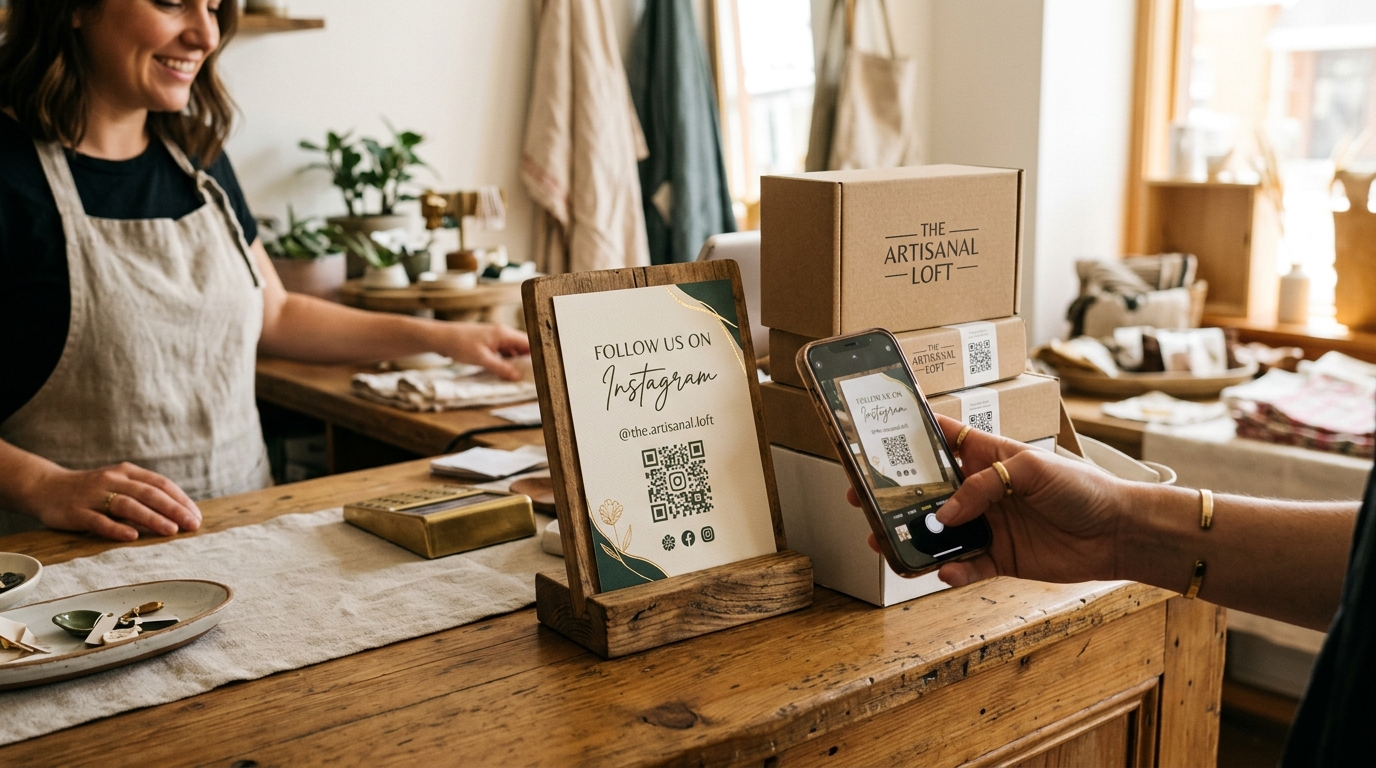
Similarly, e-commerce brands and small businesses can include a QR code on packaging, thank-you cards, or product inserts. A simple “Follow us on Instagram” label next to the code turns every shipment into a follower acquisition opportunity.
Events and Trade Shows
Print your Instagram QR code on booth banners, name badges, handouts, or table cards. As a result, attendees scan on the spot instead of jotting down your handle on a napkin they’ll lose. Pair it with a WiFi QR code if the venue has spotty cell service.
Storefronts and Restaurants
A “Follow us on Instagram” sign with a QR code near the register, on a table tent, or in the window catches customers while they’re in a positive mindset. Restaurants can place it alongside their menu QR code for a seamless experience.
Print Ads and Flyers
In fact, any printed material becomes an Instagram growth channel with a QR code. Magazine ads, flyers, posters, direct mail — anywhere you’re already putting your brand in front of people. With scan tracking, you can measure which print placements actually drive follows.
Digital Sharing
You can also share your QR code as an image in email signatures, presentations, webinar slides, or other social platforms. It’s especially useful on platforms that don’t support clickable links (like TikTok captions) — viewers can screenshot the QR code and scan it later.
Design Tips for Instagram QR Codes
Generally, a well-designed QR code gets scanned more often than a generic black-and-white square. Here’s how to make yours look professional.
Use Your Brand Colors
Match the QR code to your Instagram aesthetic or brand palette. Instagram’s gradient colors (purple, pink, orange) work well if you want an obvious Instagram association. Just maintain strong contrast between the dots and background for reliable scanning.
Add Your Logo or Instagram Icon
Additionally, placing a small logo or Instagram camera icon in the center of the code instantly tells people what they’ll get when they scan. QR codes have built-in error correction that compensates for the covered area.
Size It Right
- Business cards (arm’s length): minimum 0.8 inches square
- Flyers and packaging (1-2 feet): 1.5 inches minimum
- Posters and banners (3+ feet): 3 inches or larger
Therefore, always download as SVG for print materials — it scales to any size without becoming pixelated.
Include a Call to Action
A QR code without context gets ignored. Add a short label so people know what happens when they scan:
- “Scan to follow us on Instagram”
- “Follow us for [exclusive content / behind the scenes / deals]”
- “Scan for our latest posts”
Instagram QR Code for Business Accounts
If you’re running a business account on Instagram, a custom QR code becomes even more valuable. Here’s why it matters for each part of your marketing.
Track ROI on Print Materials
You’re spending money on business cards, packaging, signage, and print ads. With scan analytics, you can see exactly how many followers each printed piece generates. As a result, you can compare your business card QR code scans to your packaging insert scans and understand which channel works harder.
Change Campaigns Without Reprinting
Running a holiday promotion? Simply point your QR code to a seasonal Reel or product launch post. After the promotion ends, redirect it back to your profile. Same printed code, different destination — that’s the power of dynamic QR codes.
Protect Against Username Changes
If you ever change your Instagram handle (rebranding, name cleanup, etc.), a static QR code pointing to your old profile URL would break. On the other hand, a dynamic QR code lets you update the URL in your dashboard — no reprinting required.
Add UTM Tracking
For more advanced attribution, you can also add UTM parameters to your Instagram URL before creating the QR code. This lets you track Instagram QR code traffic in Google Analytics alongside your other marketing channels.

Ready to create your own QR codes?
Start for free — no credit card required.
Create Your Free Account NowCommon Mistakes to Avoid
- Using Instagram’s built-in QR for print — the resolution is too low for anything larger than a couple inches. Use a custom QR code downloaded as SVG instead
- Linking to a private account — if your account is set to private, the QR code will open your profile but people can’t see your content or follow without approval. Make sure your account is public if the goal is follower growth
- No call to action — a random QR code on a business card without context won’t get scanned. Tell people what they’ll get
- Printing too small — a QR code under 0.8 inches on a business card is hard to scan. Give it room
- Using a static QR code — if you change your Instagram username, the code breaks and everything you printed is useless. Dynamic codes let you update the URL without reprinting
- Not testing — always scan your code on multiple phones before printing. What works on your iPhone might behave differently on Android
Instagram QR Code FAQs
Does Instagram have a built-in QR code?
Yes. Go to your profile, tap the three-line menu, and tap QR code. You can save or share it directly. However, it has limited design options, no scan tracking, and screen-quality resolution that can look blurry when printed and it can’t be changed once generated.
How do I create a QR code for my Instagram profile?
Copy your Instagram profile URL (instagram.com/yourusername) and paste it into a QR code generator like QR Chameleon. You can customize the colors, add a logo, and download as SVG for print-quality output. Use the Try it Free widget on any QR Chameleon page to get started in seconds.
Can I track how many people scan my Instagram QR code?
Not with Instagram’s built-in QR code. But if you create a custom dynamic QR code, you get full scan analytics including total scans, device types, locations, and time of day. This data helps you understand which placements drive the most followers.
Should I link my QR code to my Instagram profile or a link-in-bio page?
It depends on your goal. If you just want followers, link directly to your profile. If you want to offer multiple options like your website, shop, other social accounts, and booking link, a link-in-bio page is more effective. QR Chameleon’s Pages feature lets you build these with built-in analytics.
What if I change my Instagram username?
If you used a static QR code, it breaks because the old URL is baked into the pattern. If you used a dynamic QR code from a platform like QR Chameleon, you just update the destination URL in your dashboard. No reprinting needed.
Can I make my Instagram QR code match my brand colors?
Yes. Custom QR code generators let you change the dot color, background, corner styles, and add a logo. You can match your Instagram aesthetic or brand palette. Just keep enough contrast between dots and background for reliable scanning.
Is an Instagram QR code free to create?
Instagram’s built-in QR code is free but limited. QR Chameleon’s free plan includes 2 custom QR codes per month with customization and scan analytics. No credit card required.
What size should I print my Instagram QR code?
For business cards scanned at arm’s length, minimum 0.8 inches. Flyers and packaging at 1 to 2 feet need 1.5 inches. For posters and banners viewed from 3 or more feet, go with 3 inches or larger. Always use SVG format for print.
Ready to grow your Instagram with a custom QR code? QR Chameleon creates dynamic QR codes with custom designs, scan analytics, and print-ready downloads. Start free, no credit card required.