A QR code for a PDF lets anyone access your document with a single scan — no email attachments, no file sharing apps, no broken links. Here’s how to create one for free, step by step.
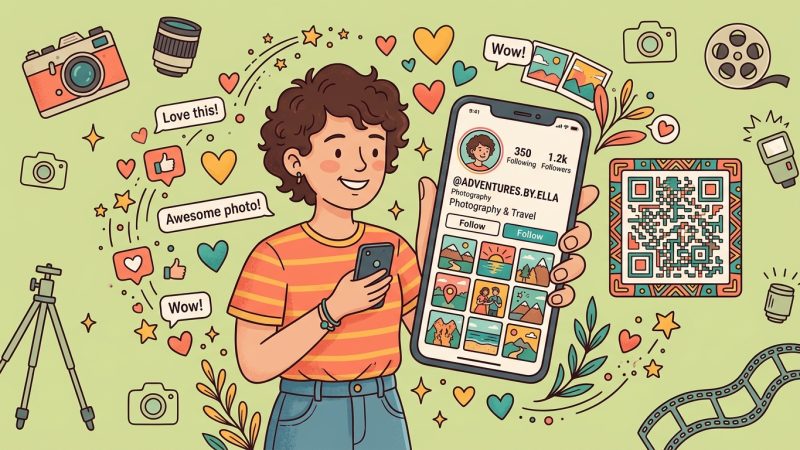
A QR code for your Instagram profile lets people follow you with a single scan — no searching, no typos, no lost followers. Here’s how to create one for free, plus when to use a custom QR code instead of Instagram’s built-in option.
QR codes are everywhere — but how do they actually work? This guide breaks down the technology behind QR codes in plain language, from the black-and-white pattern your phone reads to the data encoded inside.
Wedding QR codes make it easy for guests to RSVP, share photos, find your registry, and access your wedding website — all with a quick scan. Here’s how to create and use them for every part of your big day.
Looking for the best free QR code generator? We tested 7 popular options and compared features, analytics, customization, and limits. Here’s which ones are actually worth using.
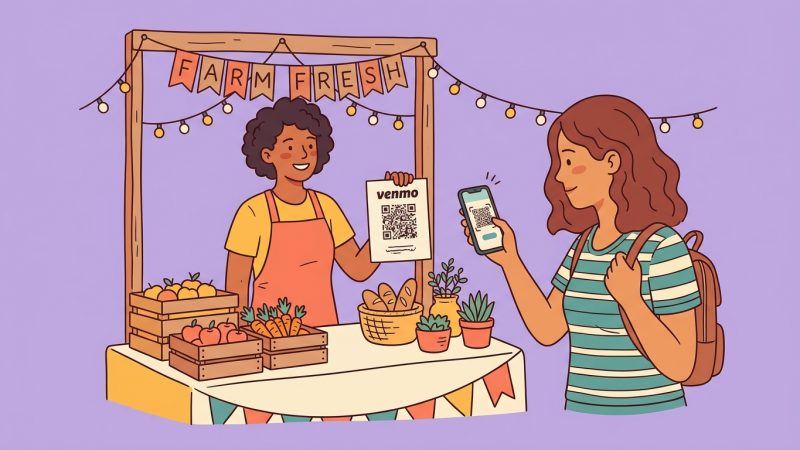
Get your Venmo QR code from the app, on your computer, or as a print-ready custom design. Step-by-step for personal, business, tip jars, and signage — including when to use a dynamic QR.
QR code scams are surging — quishing attacks rose 587% since 2022, and nearly 2% of all scanned QR codes are malicious. Here’s how QR code scams work, the most common types, and exactly how to protect yourself.
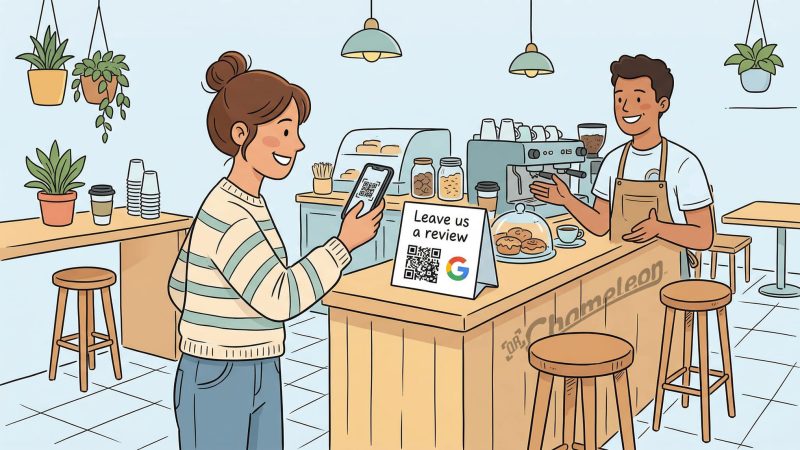
Getting more Google reviews doesn’t have to be complicated. A QR code makes it effortless — customers scan, tap, and leave a review in seconds. Here’s how to create one for free.
OnlyFans and Fansly creators need a link-in-bio page that does more than list links. QR Chameleon’s free Pages feature lets you build a custom landing page with click tracking, social icons, and analytics — so you know exactly which platforms drive subscribers.
Try it Free:
Shorten a URL
Free account — no credit card required
Privacy Preference Center
When you visit our website, we may automatically collect certain information using technologies such as cookies and similar tools. You can choose not to allow some types of cookies. Click on the different category headings to find out more about the choices available to you. However, blocking some types of cookies may impact your experience of the site and the services we are able to offer.
Manage Consent Preferences
Always Active
These cookies are necessary for the website to function and cannot be switched off. They are set in response to actions you take such as setting your privacy preferences, logging in, or filling in forms. These include authentication, security, and session management cookies.
These cookies allow us to count visits and traffic sources so we can measure and improve the performance of our site. They help us know which pages are the most and least popular and see how visitors move around the site. We use Google Analytics (GA4) for this purpose. All information these cookies collect is aggregated.
We and third parties use cookies and other technologies to operate our site, enhance and personalize your experience, perform analytics, and improve marketing. For more information, visit our Cookie Privacy Policy.