

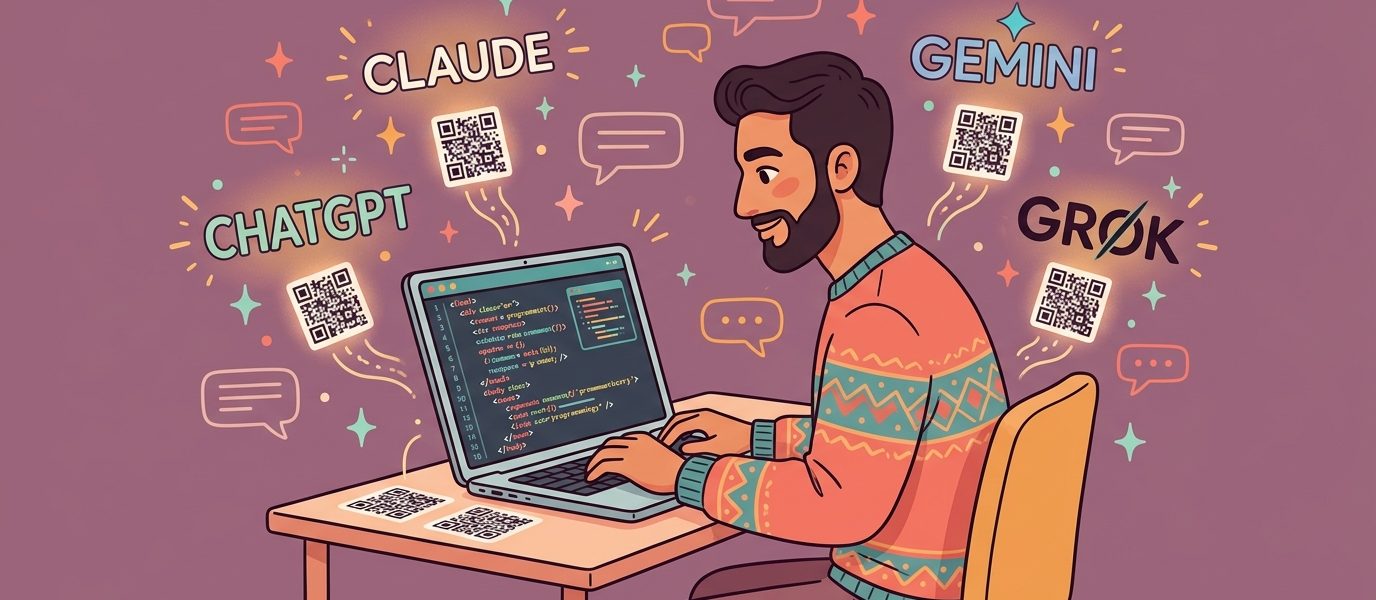
Your AI agent can write a blog post. Generate marketing copy. Send a Slack message. Pull data from a CRM. Schedule an email.
What it can’t do is hand someone something to scan.
That’s the gap most agent builders hit somewhere around their fifth or sixth integration. The agent can produce text, structured data, and links — but the moment a workflow needs a printed artifact, a table tent, a business card, a refund slip, an event badge — there’s a wall. URLs don’t print well. They get shortened, mistyped, abandoned.
A QR code API closes the gap. QR codes turn whatever your agent generates into something a phone camera can capture in 1.2 seconds, and with QR Chameleon’s API, your agent can mint them as easily as it sends an email — 1,250 calls per month on the free plan, no credit card.
This guide shows the working pattern for each major AI model: Claude, ChatGPT, Gemini, and Grok. Plus the Model Context Protocol (MCP) angle for builders who want a reusable server that any MCP-compatible agent can call. If you’ve never worked with QR generation before, our step-by-step guide on how to make a QR code for a link walks through the fundamentals first.
When AI Agents Need QR Codes
Agents don’t need QR codes. Workflows need QR codes. The moment your agent’s job description includes “produce something a human will hold or print,” QR generation becomes a primitive — like sending an email or writing to a database.
Here are the patterns we keep seeing:
Customer service agents creating one-time refund or return codes
A support agent processing a return generates a unique tracked QR code that the customer prints, attaches to the package, and drops at any carrier. The QR encodes a short link that authenticates the return, logs the carrier scan, and updates the order status. Static QR generators can’t do this — every code is identical and untracked. With a dynamic QR API, every return gets its own code, scoped to one customer and one transaction.
Marketing agents shipping campaign assets with tracked QRs
An agent that generates social posts, blog assets, or email creative attaches a unique QR code to every shipped piece. Each QR encodes a short link with UTM parameters tagged automatically (utm_source, utm_medium, utm_campaign) so attribution lands in your dashboard without anyone touching a spreadsheet. The agent that wrote the asset is the same agent that knows which campaign it belongs to — no human in the middle, no tags missed.
Event agents generating per-guest invitations
An event registration agent creates a unique QR code per RSVP. The code encodes a short link to the guest’s personalized landing page (their name, their seat assignment, their badge data). Day-of, the same QR scans into the check-in app. One agent action, two production uses.
Hospitality and onboarding agents creating WiFi access codes
A property management or hotel-onboarding agent generates a WiFi QR code with the network credentials baked in. Guest arrives, scans the code, joins the network — no asking the front desk, no fumbling with a passphrase. The agent can rotate credentials nightly and regenerate the code automatically; the printed display in the room never changes.
Lead-gen agents creating personalized vCard QRs
A networking or trade show agent generates a unique vCard QR for each contact a sales rep wants to share. The QR encodes contact info plus a tracked redirect to a personalized landing page. Scan analytics tell the rep which conversations led to actual page visits — the bridge from “I gave them my card” to “they actually looked at my profile.”
Inventory and asset-tagging agents generating bulk codes
A warehouse, fleet management, or healthcare agent provisions QR codes for every new asset entering the system. Each code is unique, tracked, and dynamically updateable — if an asset gets reassigned, the QR’s destination URL updates without reprinting. The agent that registers the asset is the same agent that mints the QR, in one transaction.
The unifying pattern: the agent isn’t just writing text. It’s producing something the physical world consumes. The QR code is the handoff.
The QR Code API in 60 Seconds
Before we get to model-specific code, the API surface area is small enough to fit on one screen.
Authentication: Bearer token in the Authorization header. Get your key from the dashboard → Settings → API Keys.
Base URL: https://qrchameleon.com/api/v1/
Core endpoint: POST /urls/bulk — creates one or more dynamic short links, each of which automatically generates a downloadable QR code. Send up to 100 in a single request.
curl -X POST https://qrchameleon.com/api/v1/urls/bulk \
  -H "Authorization: Bearer YOUR_API_KEY" \
  -H "Content-Type: application/json" \
  -d '{
    "urls": [
      {
        "destination_url": "https://example.com/launch",
        "title": "Spring product launch",
        "utm_source": "agent",
        "utm_medium": "qr",
        "utm_campaign": "spring-2026"
      }
    ]
  }'
Response:
{
  "success": true,
  "data": {
    "items": [
      {
        "index": 0,
        "status": "created",
        "short_url": "https://qrch.am/U4im626B",
        "short_code": "U4im626B",
        "destination_url": "https://example.com/launch"
      }
    ]
  }
}
The short_url is a tracked redirect. Every QR Chameleon short link automatically has a QR code generated for it — your agent can hand the short URL to a downstream tool that fetches the QR image, or the user can pull the QR from the dashboard. Because every short link is dynamic, the destination can change anytime without regenerating the printed code. That’s the static vs. dynamic QR distinction — for AI agent workflows, dynamic is the only option that makes sense.
If your account has multiple custom domains, pass domain_id per item to choose which one each link uses. Without it, your account’s default domain is used automatically.
That’s the entire surface area you need for 90% of agent workflows. Now let’s wire it into each major model.
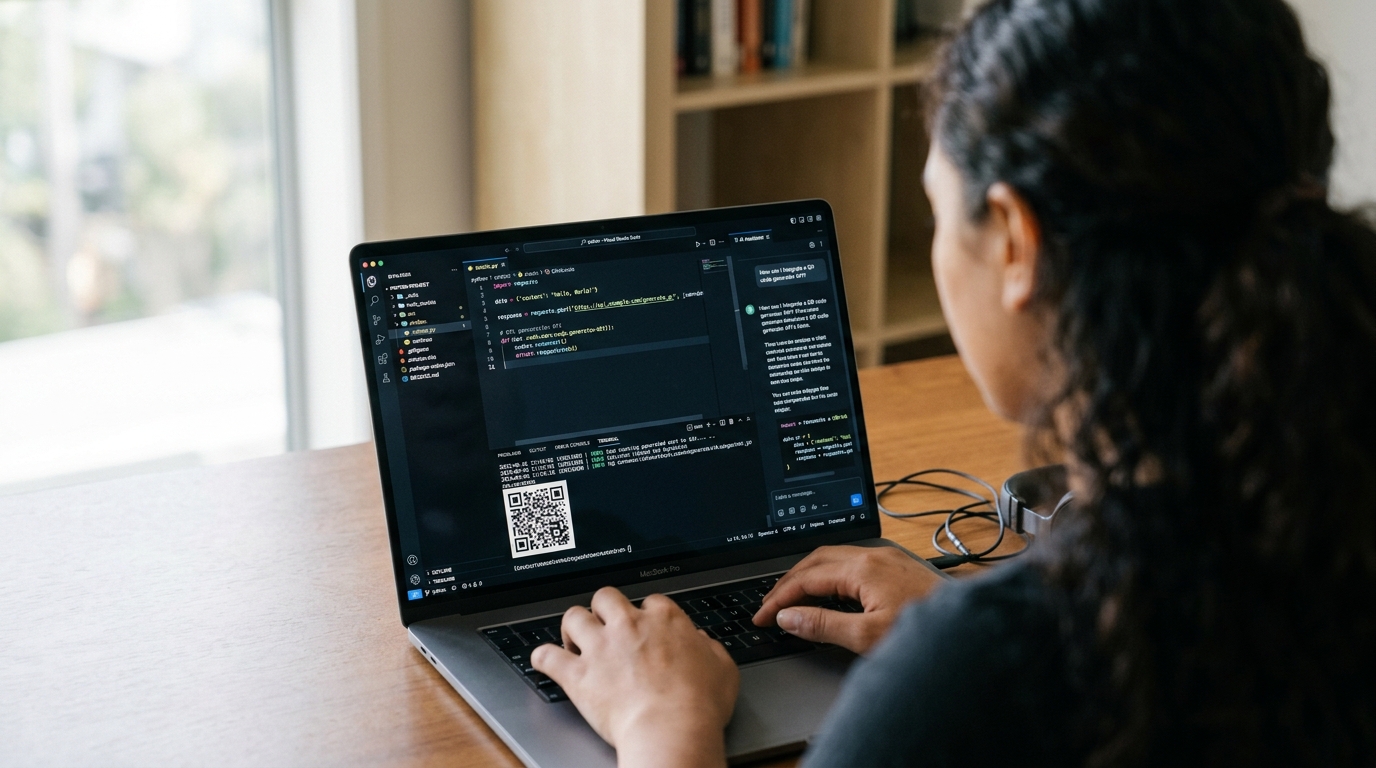
QR Code Generation from Claude (Anthropic API + Tool Use)
Claude generates QR codes through Anthropic’s tool use API. You define create_qr_code as a tool, Claude decides when to call it based on the conversation, and your code executes the actual API call.
import os
import requests
import anthropic

client = anthropic.Anthropic()
QR_API_KEY = os.environ["QR_CHAMELEON_API_KEY"]

# 1. Define the tool Claude can call
qr_tool = {
    "name": "create_qr_code",
    "description": (
        "Generate a dynamic, trackable QR code for any URL. "
        "Returns a short URL (qrch.am/...) whose QR pattern is "
        "automatically generated. Use this whenever the user needs "
        "a QR code for printed material, packaging, signage, or "
        "any handoff between digital and physical."
    ),
    "input_schema": {
        "type": "object",
        "properties": {
            "destination_url": {
                "type": "string",
                "description": "The URL the QR code should redirect to."
            },
            "title": {
                "type": "string",
                "description": "A label for finding this QR in the dashboard later."
            },
            "utm_campaign": {
                "type": "string",
                "description": "Optional campaign tag for analytics attribution."
            }
        },
        "required": ["destination_url"]
    }
}

# 2. The function that actually calls QR Chameleon
def create_qr_code(destination_url: str, title: str = "", utm_campaign: str = "") -> dict:
    payload = {"urls": [{
        "destination_url": destination_url,
        "title": title,
        "utm_source": "claude-agent",
        "utm_medium": "qr",
        "utm_campaign": utm_campaign or "default"
    }]}
    r = requests.post(
        "https://qrchameleon.com/api/v1/urls/bulk",
        headers={"Authorization": f"Bearer {QR_API_KEY}"},
        json=payload,
        timeout=10
    )
    r.raise_for_status()
    item = r.json()["data"]["items"][0]
    return {
        "short_url": item["short_url"],
        "short_code": item["short_code"]
    }

# 3. The agent loop — Claude calls the tool, you execute, return the result
response = client.messages.create(
    model="claude-sonnet-4-6",
    max_tokens=1024,
    tools=[qr_tool],
    messages=[{
        "role": "user",
        "content": (
            "We just shipped a new pricing page at "
            "https://example.com/pricing. Generate a QR code so "
            "I can put it on the trade show booth banner."
        )
    }]
)

# Claude returns a tool_use block; you execute and feed the result back
for block in response.content:
    if block.type == "tool_use" and block.name == "create_qr_code":
        result = create_qr_code(**block.input)
        print(f"Booth banner QR: {result['short_url']}")
In a real agent loop, you’d feed result back into Claude as a tool_result content block and continue the conversation, letting Claude format the response naturally. For full multi-turn semantics, see Anthropic’s tool use documentation.
The key thing to notice: Claude doesn’t generate the QR. It decides when one is needed, and your tool produces it. That’s the right division of labor — the model handles intent, your code handles execution.
QR Code Generation from ChatGPT (OpenAI Function Calling and Custom GPTs)
ChatGPT integrates with QR Chameleon two ways: function calling via the OpenAI API (for agents you build), or GPT Actions (for Custom GPTs in the ChatGPT app).
Pattern 1: OpenAI Function Calling
import os
import json
import requests
from openai import OpenAI

client = OpenAI()
QR_API_KEY = os.environ["QR_CHAMELEON_API_KEY"]

tools = [{
    "type": "function",
    "function": {
        "name": "create_qr_code",
        "description": "Generate a dynamic QR code that redirects to any URL. Returns a tracked short URL.",
        "parameters": {
            "type": "object",
            "properties": {
                "destination_url": {"type": "string"},
                "title": {"type": "string"},
                "utm_campaign": {"type": "string"}
            },
            "required": ["destination_url"]
        }
    }
}]

def create_qr_code(destination_url, title="", utm_campaign=""):
    r = requests.post(
        "https://qrchameleon.com/api/v1/urls/bulk",
        headers={"Authorization": f"Bearer {QR_API_KEY}"},
        json={"urls": [{
            "destination_url": destination_url,
            "title": title,
            "utm_source": "chatgpt-agent",
            "utm_medium": "qr",
            "utm_campaign": utm_campaign or "default"
        }]},
        timeout=10
    )
    return r.json()["data"]["items"][0]

response = client.chat.completions.create(
    model="gpt-4o",
    tools=tools,
    messages=[{
        "role": "user",
        "content": "Make a QR for our restaurant menu at https://example.com/menu"
    }]
)

tool_calls = response.choices[0].message.tool_calls
if tool_calls:
    args = json.loads(tool_calls[0].function.arguments)
    result = create_qr_code(**args)
    print(f"Menu QR: {result['short_url']}")
Pattern 2: Custom GPT with GPT Actions
For Custom GPTs in the ChatGPT app, you don’t write Python — you upload an OpenAPI schema and ChatGPT calls QR Chameleon directly. In your Custom GPT’s “Actions” config, point at the QR Chameleon API base URL, set authentication to Bearer token, and paste an OpenAPI snippet describing the /urls/bulk endpoint.
End users of your Custom GPT then ask things like “Make me a QR for our holiday sale page” and ChatGPT routes the call automatically. No backend code; the GPT itself becomes the agent.
For the full OpenAI function calling spec, see the OpenAI function calling documentation.
QR Code Generation from Gemini (Google Function Calling)
Gemini’s function calling pattern mirrors OpenAI’s — define a function declaration, send it as a tool, parse the call.
import os
import requests
import google.generativeai as genai

genai.configure(api_key=os.environ["GOOGLE_API_KEY"])
QR_API_KEY = os.environ["QR_CHAMELEON_API_KEY"]

create_qr_function = genai.protos.FunctionDeclaration(
    name="create_qr_code",
    description="Generate a dynamic QR code that redirects to any URL.",
    parameters=genai.protos.Schema(
        type=genai.protos.Type.OBJECT,
        properties={
            "destination_url": genai.protos.Schema(type=genai.protos.Type.STRING),
            "title": genai.protos.Schema(type=genai.protos.Type.STRING),
            "utm_campaign": genai.protos.Schema(type=genai.protos.Type.STRING),
        },
        required=["destination_url"]
    )
)

def create_qr_code(destination_url, title="", utm_campaign=""):
    r = requests.post(
        "https://qrchameleon.com/api/v1/urls/bulk",
        headers={"Authorization": f"Bearer {QR_API_KEY}"},
        json={"urls": [{
            "destination_url": destination_url,
            "title": title,
            "utm_source": "gemini-agent",
            "utm_medium": "qr",
            "utm_campaign": utm_campaign or "default"
        }]},
        timeout=10
    )
    return r.json()["data"]["items"][0]

model = genai.GenerativeModel(
    model_name="gemini-2.5-pro",
    tools=[genai.protos.Tool(function_declarations=[create_qr_function])]
)

chat = model.start_chat()
response = chat.send_message(
    "Generate a QR code for our event registration at https://example.com/register"
)

# Extract and execute the function call
for part in response.parts:
    if part.function_call:
        result = create_qr_code(**dict(part.function_call.args))
        print(f"Event QR: {result['short_url']}")
Gemini’s function calling docs walk through the multi-turn pattern in detail at the Google AI function calling guide. The schema definitions are slightly more verbose than OpenAI’s, but the pattern is identical — declare, call, execute, return.
QR Code Generation from Grok (xAI API)
Grok’s API is OpenAI-compatible, which means the function calling pattern is nearly identical. You can reuse the OpenAI client with a different base URL and API key.
import os
import json
import requests
from openai import OpenAI

# Grok uses an OpenAI-compatible API
client = OpenAI(
    api_key=os.environ["XAI_API_KEY"],
    base_url="https://api.x.ai/v1"
)
QR_API_KEY = os.environ["QR_CHAMELEON_API_KEY"]

tools = [{
    "type": "function",
    "function": {
        "name": "create_qr_code",
        "description": "Generate a dynamic, trackable QR code for any URL.",
        "parameters": {
            "type": "object",
            "properties": {
                "destination_url": {"type": "string"},
                "title": {"type": "string"},
                "utm_campaign": {"type": "string"}
            },
            "required": ["destination_url"]
        }
    }
}]

def create_qr_code(destination_url, title="", utm_campaign=""):
    r = requests.post(
        "https://qrchameleon.com/api/v1/urls/bulk",
        headers={"Authorization": f"Bearer {QR_API_KEY}"},
        json={"urls": [{
            "destination_url": destination_url,
            "title": title,
            "utm_source": "grok-agent",
            "utm_medium": "qr",
            "utm_campaign": utm_campaign or "default"
        }]},
        timeout=10
    )
    return r.json()["data"]["items"][0]

response = client.chat.completions.create(
    model="grok-4",
    tools=tools,
    messages=[{
        "role": "user",
        "content": "Make a QR code for our X profile so we can put it on a trade show booth"
    }]
)

tool_calls = response.choices[0].message.tool_calls
if tool_calls:
    args = json.loads(tool_calls[0].function.arguments)
    result = create_qr_code(**args)
    print(f"Booth QR: {result['short_url']}")
For Grok-specific features like the live search tool, see the xAI API documentation. Because the API is OpenAI-compatible, anything that works with the OpenAI Python SDK works with Grok by swapping the base URL.
MCP: Wrapping QR Chameleon as a Model Context Protocol Tool
Model Context Protocol (MCP) is the open standard from Anthropic for letting AI assistants connect to external tools. Build an MCP server once, and any MCP-compatible client (Claude Desktop, Claude Code, IDE integrations, third-party agents) can use it without you writing per-model integration code.
Wrapping QR Chameleon as an MCP tool is straightforward — the protocol defines a tool schema, and the server exposes a callable handler that talks to the QR Chameleon API.
# qr_chameleon_mcp_server.py
import os
import requests
from mcp.server import Server
from mcp.types import Tool, TextContent

server = Server("qr-chameleon")
QR_API_KEY = os.environ["QR_CHAMELEON_API_KEY"]

@server.list_tools()
async def list_tools() -> list[Tool]:
    return [Tool(
        name="create_qr_code",
        description="Generate a dynamic QR code that redirects to any URL.",
        inputSchema={
            "type": "object",
            "properties": {
                "destination_url": {"type": "string"},
                "title": {"type": "string"},
                "utm_campaign": {"type": "string"}
            },
            "required": ["destination_url"]
        }
    )]

@server.call_tool()
async def call_tool(name: str, arguments: dict) -> list[TextContent]:
    if name != "create_qr_code":
        raise ValueError(f"Unknown tool: {name}")

    r = requests.post(
        "https://qrchameleon.com/api/v1/urls/bulk",
        headers={"Authorization": f"Bearer {QR_API_KEY}"},
        json={"urls": [{
            "destination_url": arguments["destination_url"],
            "title": arguments.get("title", ""),
            "utm_source": "mcp-client",
            "utm_medium": "qr",
            "utm_campaign": arguments.get("utm_campaign", "default")
        }]},
        timeout=10
    )
    item = r.json()["data"]["items"][0]
    return [TextContent(
        type="text",
        text=f"Created QR code: {item['short_url']} (code: {item['short_code']})"
    )]

if __name__ == "__main__":
    import asyncio
    from mcp.server.stdio import stdio_server
    asyncio.run(stdio_server(server))
Configure Claude Desktop, Claude Code, or any MCP client to launch this server, and from that point forward the QR generation tool is available to whichever model the client routes to. One server, every agent.
For the full MCP spec, see modelcontextprotocol.io.
The Free Tier — 1,250 Calls/Month, No Credit Card
Most QR code APIs paywall access entirely. Bitly’s free plan has zero API. TinyURL’s free tier doesn’t include programmatic generation. QR Code Generator’s API access starts at $15/month. (For a broader comparison of free options across the QR and short link space, see our breakdown of the free QR Chameleon plan.)
QR Chameleon’s free tier includes:
- 1,250 API calls per month — roughly 40 per day, more than enough to prototype any agent flow
- 60 calls per minute burst rate — comfortable for development loops and small production workloads
- Full short link + QR code generation
- Basic scan analytics (clicks, scans, geographic data, device breakdown)
- No credit card required to sign up
For higher volume, the paid tiers scale to 6,500/month (Blend), 30,000/month (Adapt), and 250,000/month (Transform). Burst rates scale to 1,200/minute on Transform — enough headroom for production agent fleets generating QR codes in real time. Custom Enterprise arrangements can remove the monthly cap entirely for high-volume workloads.
Plug a QR Code API Into Your AI Agent in Five Minutes
1,250 free API calls per month. No credit card required. Works with Claude, ChatGPT, Gemini, Grok, and any MCP client.
Start Building FreeA complete pricing breakdown lives on the QR Chameleon pricing page. For developers, the practical takeaway is that you can build, ship, and run a real agent integration without ever hitting a paywall — and when you do scale past free, the upgrade path is linear and predictable.
Frequently Asked Questions
Can ChatGPT generate QR codes?
ChatGPT cannot generate QR codes natively. The model can describe what a QR code is and write code that calls a QR generation API, but it cannot produce the QR pattern itself. For ChatGPT to actually create QR codes in a workflow, you connect it to a QR API like QR Chameleon through OpenAI’s function calling or via a Custom GPT with Actions.
Does Claude have a QR code tool?
Claude does not ship with a built-in QR code tool, but Anthropic’s tool use API makes it straightforward to add one. Define a ‘create_qr_code’ tool in your Claude API call, have it call the QR Chameleon API in your handler, and Claude can decide when to generate codes based on the conversation. Claude Desktop and Claude Code can also connect to QR generation via the Model Context Protocol.
How do I add QR code generation to a Custom GPT?
In your Custom GPT’s configuration, open the Actions section and add a new action. Set the authentication to API Key, paste your QR Chameleon API key as a Bearer token, and provide an OpenAPI schema describing the urls/bulk endpoint. Once configured, users of your GPT can ask for QR codes in natural language and the GPT will call the API automatically.
What’s the best QR code API for AI agents?
The best QR code API for AI agent integration has three traits: a free tier generous enough to prototype, a simple REST surface that works with any function calling pattern, and dynamic QR codes whose destinations can change without regenerating the printed code. QR Chameleon offers all three. Static-only QR APIs are a poor fit for agent workflows because every change requires reissuing the QR; dynamic codes solve this at the architectural level.
Can AI agents create dynamic QR codes?
Yes. Every QR code created through the QR Chameleon API is dynamic by default — the QR pattern encodes a short link, and the short link’s destination can be updated anytime. This means an agent can mint a QR code today and the same physical printout can point to a different URL next week without reprinting. That decoupling is exactly what makes the API valuable for agent workflows where destinations evolve.
Add QR code generation to your AI agent in five minutes. Sign up free at QR Chameleon.